JSON grid editor - Always create well-formed JSON data
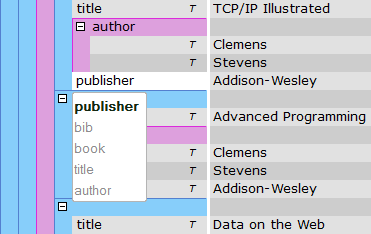
Enhanced JSON grid editor and content creation
- Always create well-formed JSON.
- Use drag-drop on editing JSON.
- Faster content creation with entry-helpers.
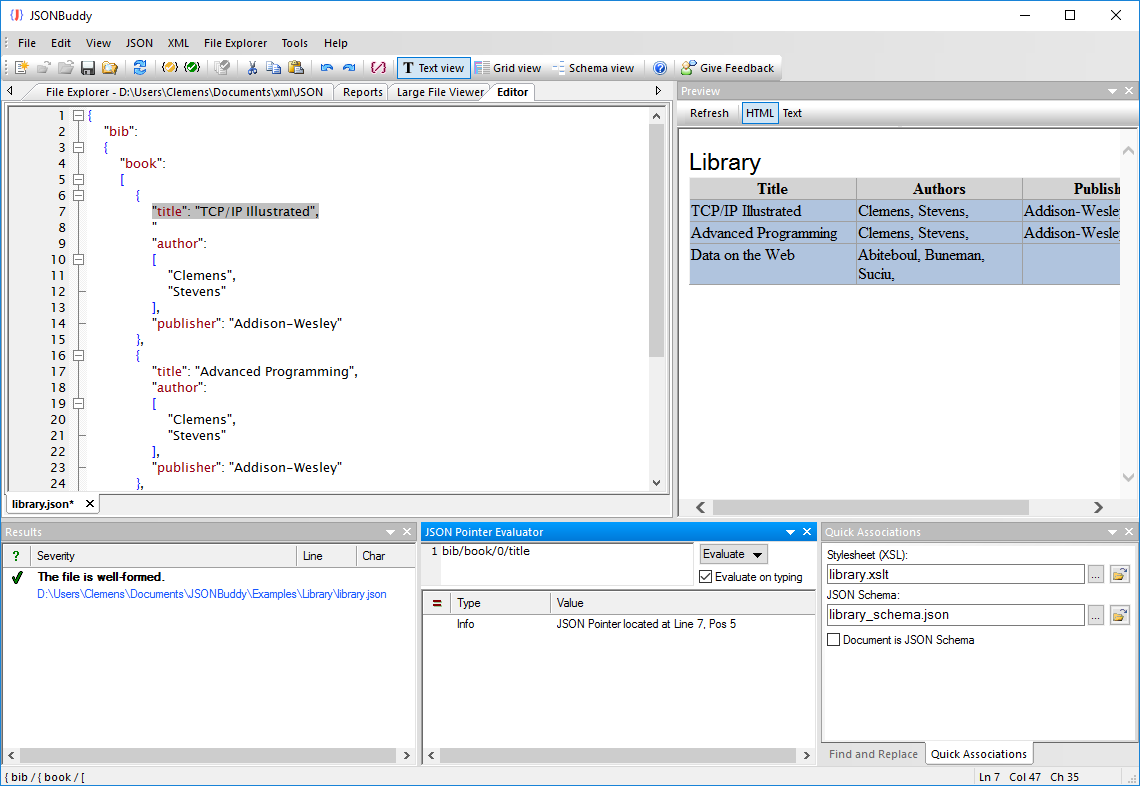
- JSON pointer evaluation window.
- Built-in JSON schema validator
- Complete JSON editor for Windows ®
Faster creation of JSON with drag-and-drop,
entry-helpers and folding
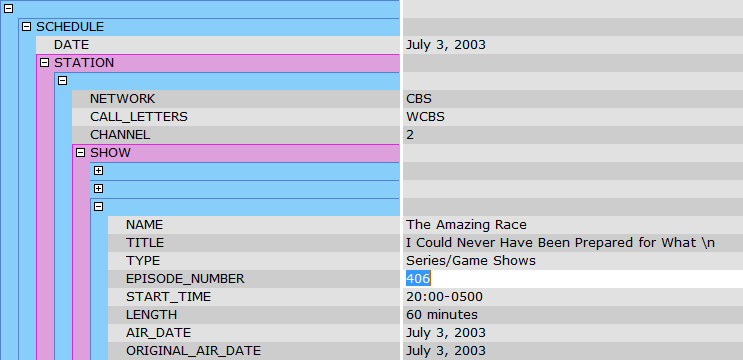
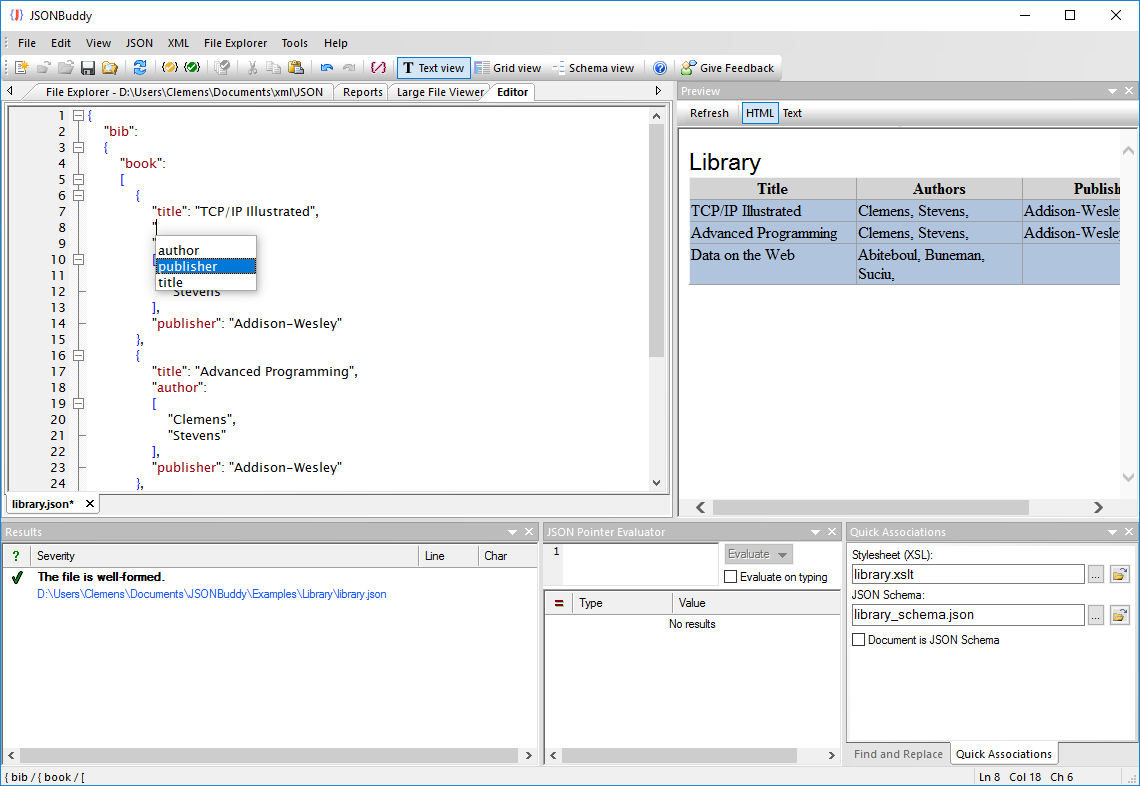
- JSON editor for Windows with drag-and-drop to build any JSON structure fast and easy.
- Collapse and expand sections of JSON data with a single click.
- Create JSON content in less time with intelligent context sensitive entry-helpers showing properties from any assigned JSON schema.
- Syntax-coloring for property values and arrays.
- Standard editor functionalities undo-redo, copy-paste and find-replace.
- Support for keyboard navigation like arrow keys and page up/down.
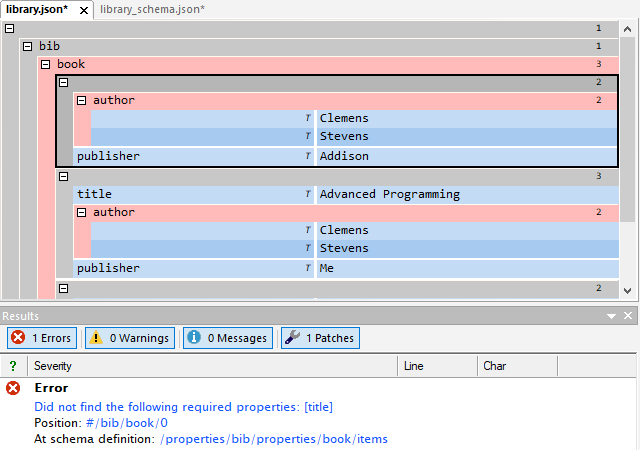
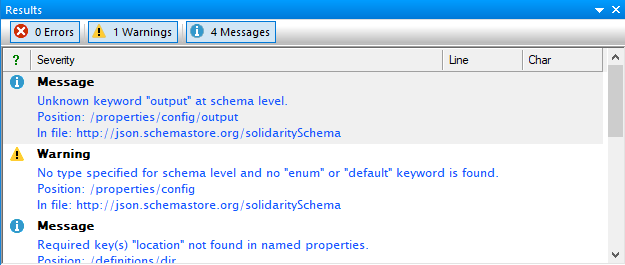
Get a complete error report with the built-in JSON validator
- Find all errors in your JSON with the included JSON validator.
- Run well-formed tests to catch any syntax errors.
- Validate against JSON schema standard directly from the editor.
- Error report with JSON pointer location information.
- Jump-to-error functionality.
- Copy results as XML report to clipboard for easy sharing.
Use JSONBuddy as your JSON grid editor to create and modify JSON content or JSON schemas and get access to extraordinary editor features like intelligent auto-completion, drag-and-drop, code folding and XSL transformations for JSON data with instant preview. JSONBuddy combines a mature editor and validator as one tool to make creating and checking of any JSON data a simple task. JSONBuddy provides also many other additional functionalities to work efficiently with JSON:
- Convert between XML and JSON.
- Export JSON data to CSV.
- Convert CSV input to JSON.
- Apply XSL stylesheets to generate HTML from JSON data.
- Split editor window feature.
Take a detailed look at some other features of JSONBuddy
JSONBuddy is more than just a JSON editor for Windows ®. Learn more on clicking the images and links below.
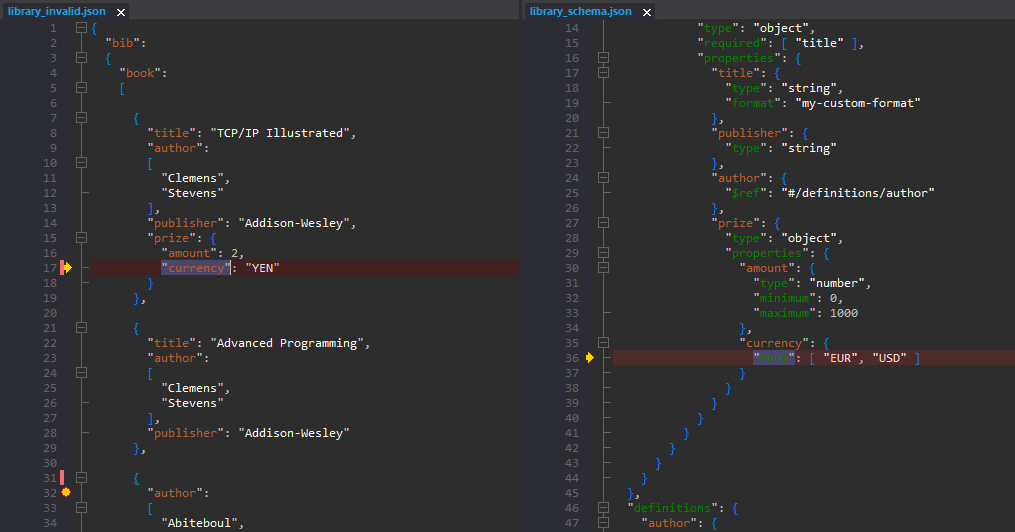
JSON validation debugger
See in detail how your JSON data is validated using the JSON Schema validation debugger.
Try here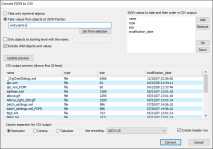
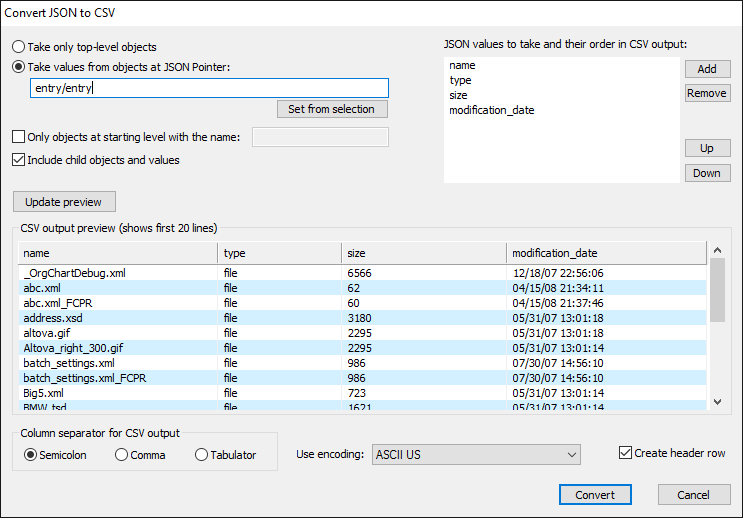
Convert JSON to CSV
XML, JSON, CSV and HTML conversion tool. Import CSV text and get JSON, XML or HTML.
Read More
Prettify JSON of any size
Use the streaming JSON formatter to get pretty JSON.
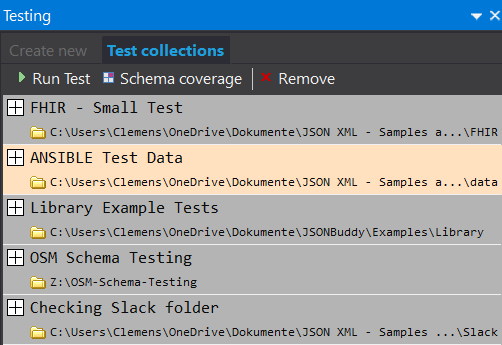
JSON Schema Testing Tool
Verify how a set of data files align with your JSON Schema resources. Easy and automated.
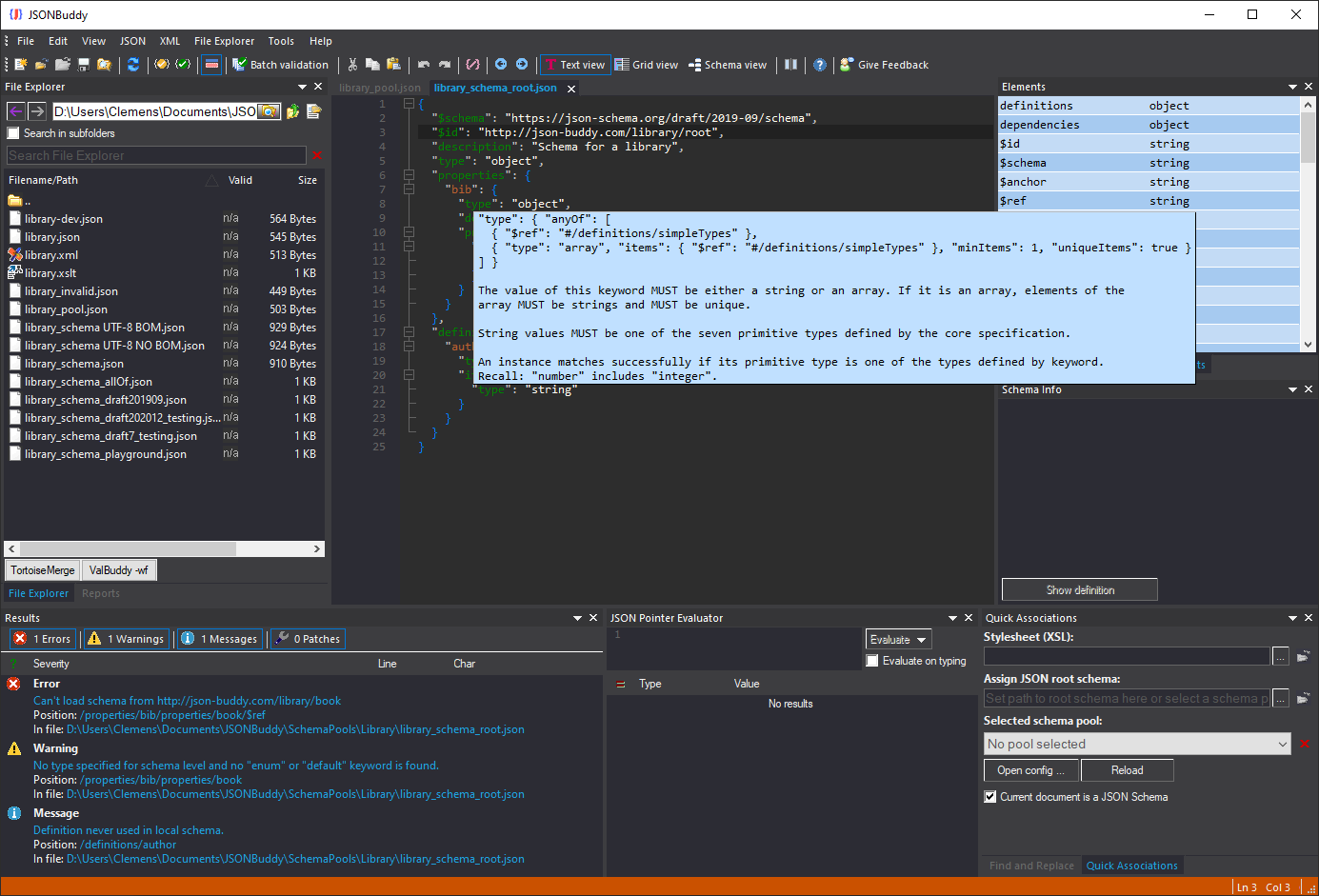
JSON Schema editor
Get a complete JSON Schema designer with extended support for creating and testing JSON schema specifications.
Read More
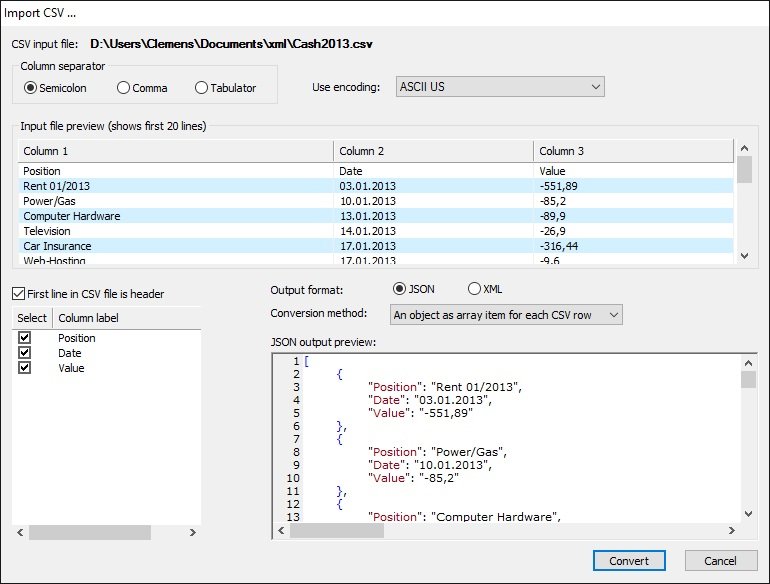
Import CSV text
Import from any CSV text and get structured JSON or XML data in the editor.
Read More
JSON Pointer
JSON editor with built-in JSON pointer engine. Useful on creating JSON Schema documents and for navigation.