JSON Editor for Windows to edit, validate and format JSON
JSONBuddy is a dedicated JSON editor for Windows for developers, QA engineers, and API teams. Use it as a JSON file editor to inspect data, fix syntax issues, validate against JSON Schema, and convert between JSON, CSV, and XML in one desktop app.
Why JSONBuddy is a practical JSON editor
- Full JSON Schema support – Create, assign, and validate JSON Schema drafts 4, 6, 7, 2019-09, and 2020-12.
- Instant debugging and validation – Detect JSON errors in real time with live validation as you type.
- Pretty-print and reformat large JSON data – Handle even very large files with fast formatting and streaming validation.
- Comprehensive documentation tools – Generate JSON Schema documentation automatically for sharing and review.
- Testing made simple – Run JSON Schema tests and verify JSON instance files directly inside the editor.
- Batch processing via command line – Automate JSON validation and formatting tasks with the included command-line tool.
- CSV, XML, and JSON conversion – Quickly convert structured data between multiple formats.
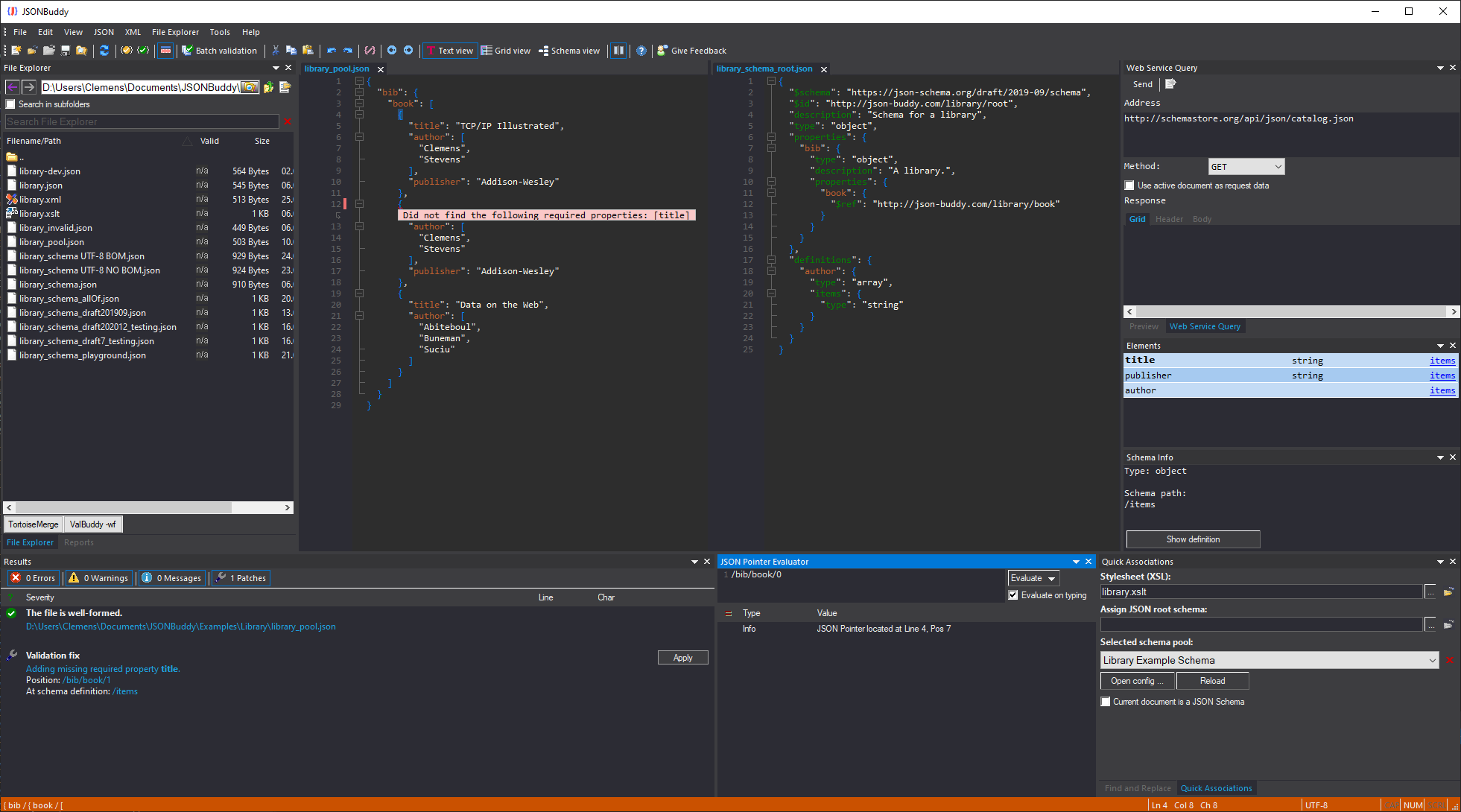
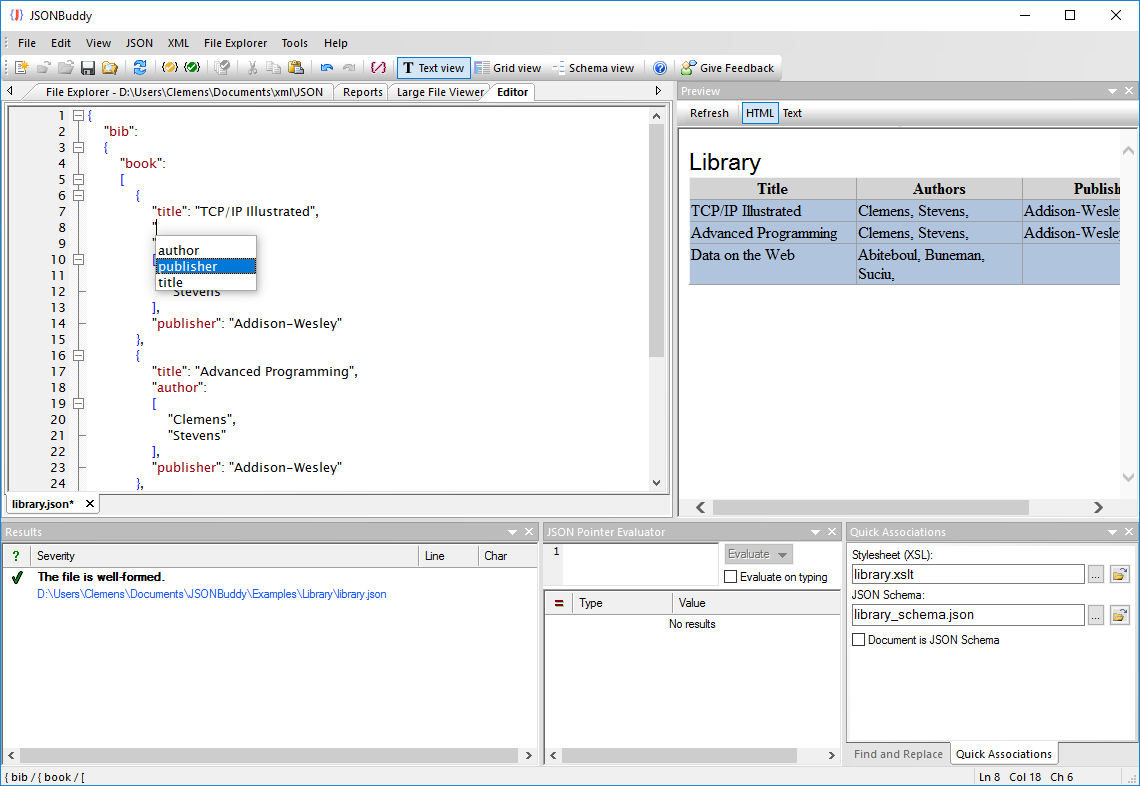
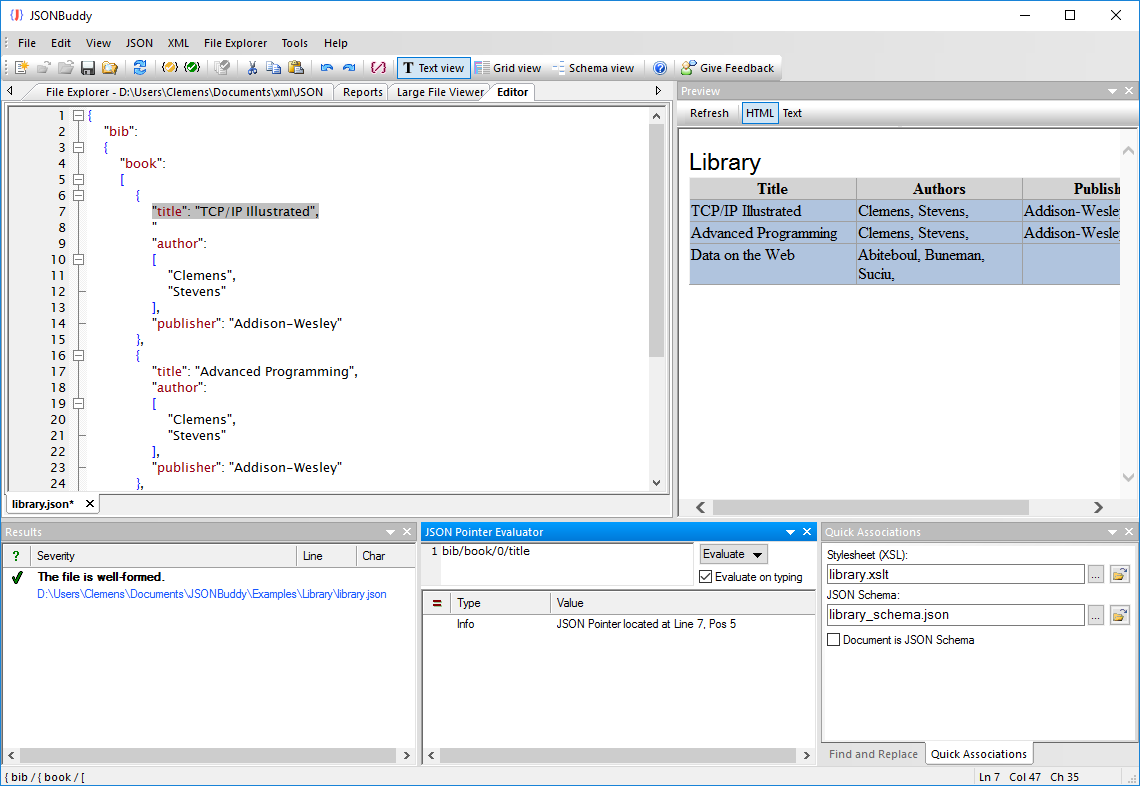
- Modern text and grid view for JSON content with syntax coloring, auto-completion, and code folding.
Learn more about the different software packages of JSONBuddy at the feature comparison page.
Related guides: JSON validator, JSON Schema editor, JSON prettify tool, and JSON editor download.
Automation: For Codex and CI workflows with `valbuddy.exe`, visit the ValBuddy Codex skill page.
JSON file editor for day-to-day development
JSONBuddy is more than a JSON viewer. It is built for real editing workflows: debugging API responses, maintaining configuration files, reviewing nested payloads, and validating test data before deployment. The text and grid views let you switch between fast typing and structure-safe editing.
Download a JSON editor for Windows
Try JSONBuddy to evaluate a full-featured JSON editor for Windows with validation, schema tooling, and conversion features included.
Convenient authoring of JSON data with
syntax-coloring, auto-completion and folding
- JSON editor with syntax-coloring, brace highlighting and matching for unmatched readability.
- Intelligent auto-completion. Create JSON data in less time.
- Use code folding to collapse and expand sections of your JSON content.
- Use the built-in JSON schema validator to test any number of JSON instance documents.
- Standard editor functionalities like copy-paste and find-replace with support for regular expressions.
FAQ: JSON editor for Windows
What should a JSON editor support?
A capable JSON editor should offer syntax checking, JSON Schema validation, formatting, and navigation features such as code folding and jump-to-error. JSONBuddy includes these features in both text and grid editing modes.
Can I validate JSON against modern JSON Schema drafts?
Yes. JSONBuddy supports Draft 4, 6, 7, 2019-09, and 2020-12 and includes schema-aware editing and validation workflows.
Is JSONBuddy only a validator?
No. JSONBuddy is a full JSON editor for Windows with editing, validation, conversion, and command-line automation tools.
Take a detailed look at some other features of JSONBuddy
JSONBuddy is more than just a JSON editor for Windows ®. Learn more on clicking the images and links below.
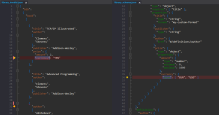
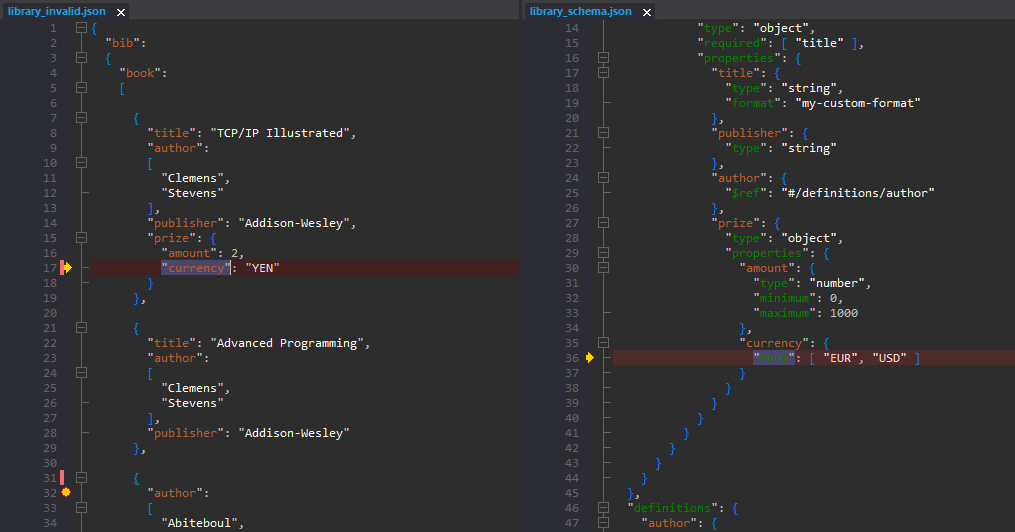
JSON validation debugger
See in detail how your JSON data is validated using the JSON Schema validation debugger.
Try here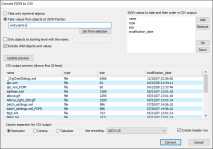
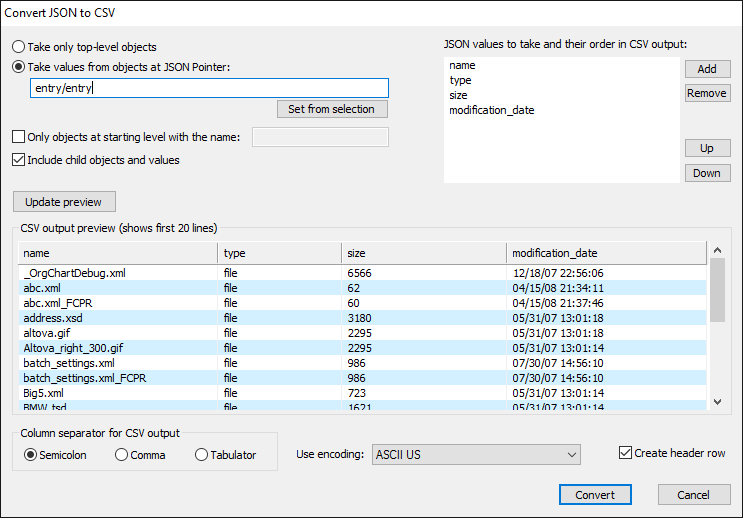
Convert JSON to CSV
XML, JSON, CSV and HTML conversion tool. Import CSV text and get JSON, XML or HTML.
Read More
Prettify JSON of any size
Use the streaming JSON formatter to get pretty JSON.
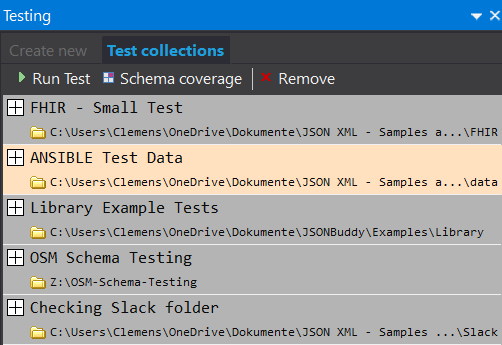
JSON Schema Testing Tool
Verify how a set of data files align with your JSON Schema resources. Easy and automated.
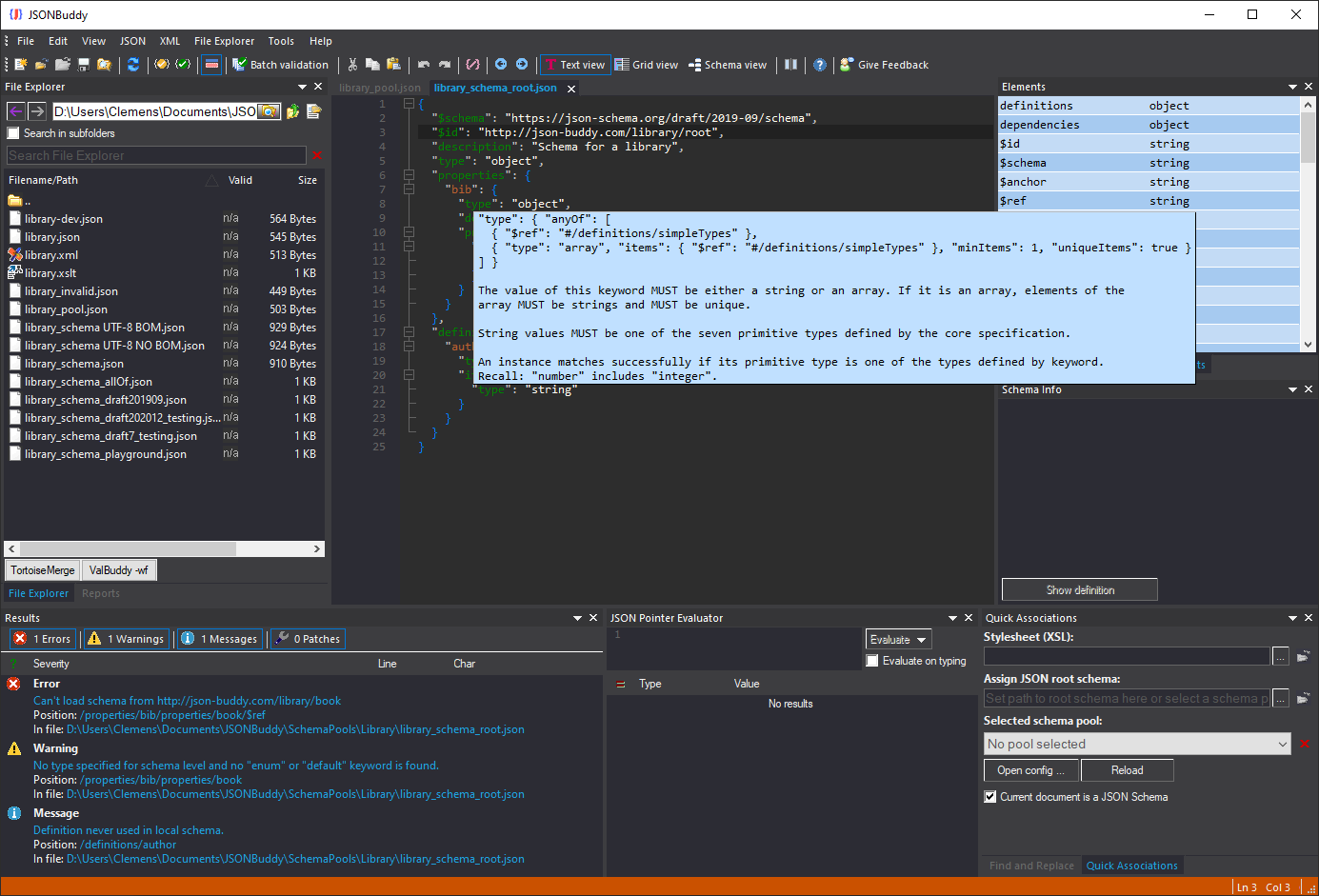
JSON Schema editor
Get a complete JSON Schema designer with extended support for creating and testing JSON schema specifications.
Read More
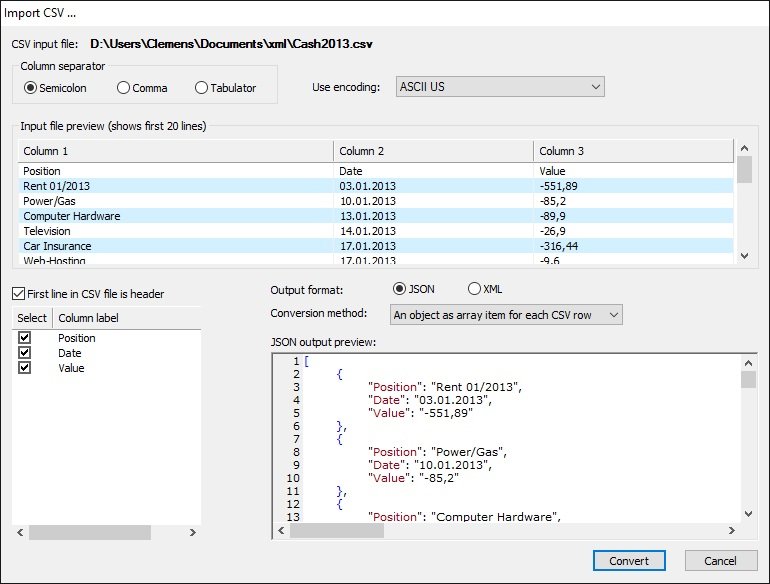
Import CSV text
Import from any CSV text and get structured JSON or XML data in the editor.
Read More
JSON Pointer
JSON editor with built-in JSON pointer engine. Useful on creating JSON Schema documents and for navigation.